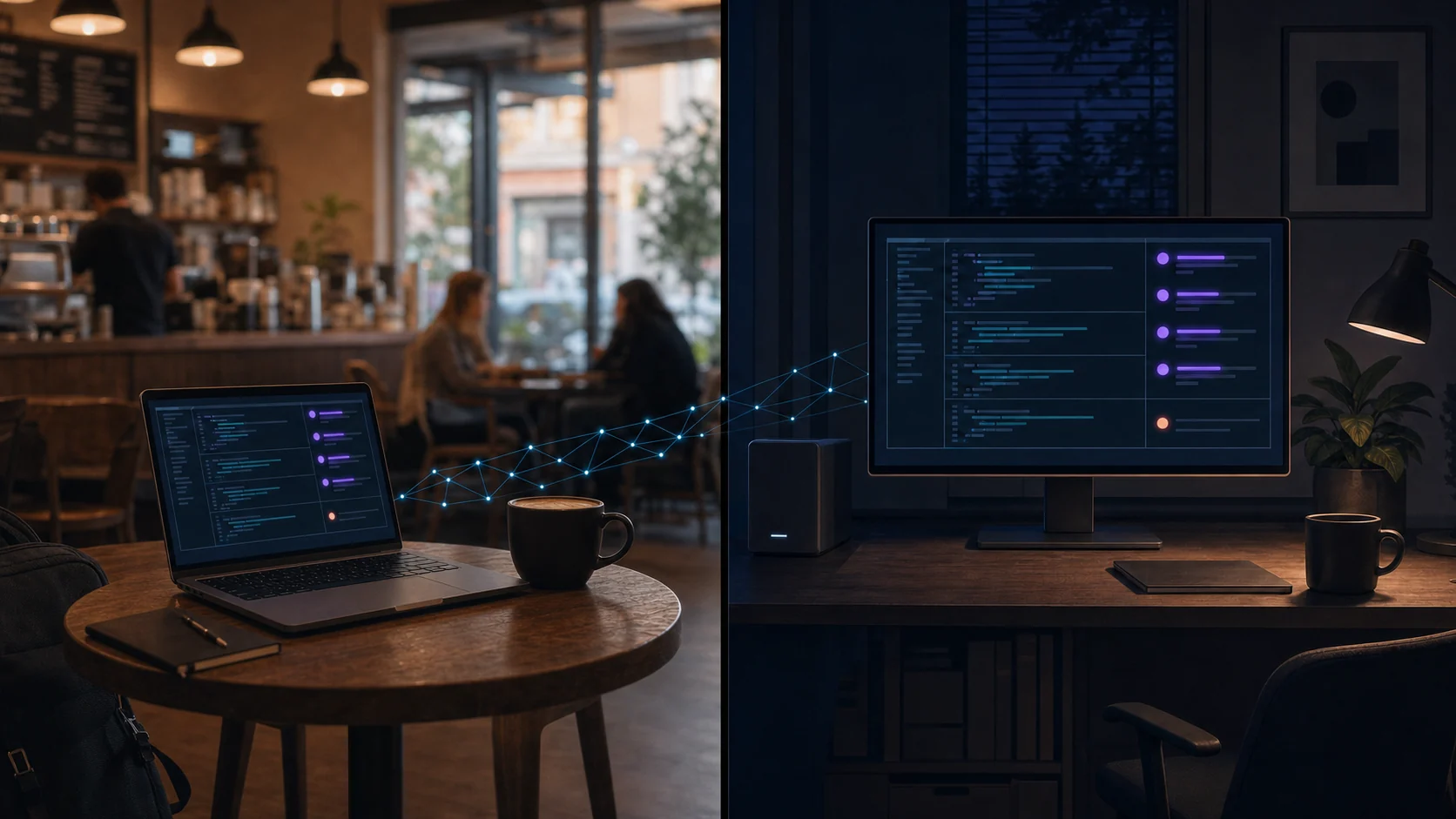
Your shells keep running. The TUI doesn't have to.
A terminal workspace manager for macOS and Linux. Close the window, reboot your editor, come back tomorrow — a detached daemon owns the PTYs, so the sessions are still there with their output intact.
brew install opspresso/tap/romty
Source on GitHub
romty (main) ✓ go test ./... ok github.com/opspresso/romty/internal/daemon 11.6s ok github.com/opspresso/romty/internal/ui 5.8s romty (main) ✓
Long-running shells, several projects at once, and output you want to scroll back through and copy — without giving up the things your terminal already does well.
A detached daemon owns every shell PTY. Closing romty, or the terminal hosting it, leaves the processes running; reopening reattaches and replays what you missed.
Point romty at a root directory and it lists the root and its direct children as workspaces. Both can host terminal tabs, each starting in its own directory.
10,000 lines per terminal, opened full width so a plain click-drag copies terminal output and nothing else — no workspace tree dragged along with it.
F1 through F9 drive the whole interface and work in any keyboard input mode, so a Korean or Japanese IME never swallows a shortcut mid-session.
romty leaves mouse tracking off, so your terminal's own selection and copy keep working over it. Applications that want the mouse can have it, per configuration.
Colors follow the terminal's own light or dark background, and the layout reflows with the window. One binary, no configuration required to start.
macOS or Linux. Building from source needs Go 1.25 or later.
$ brew install opspresso/tap/romty
$ go install github.com/opspresso/romty/cmd/romty@latest
$ git clone https://github.com/opspresso/romty $ cd romty $ go build -o build/romty ./cmd/romty
Run romty and the daemon starts on its own. Press F2, type a
project directory, and press Enter. To shut every session down from outside
the TUI, run romty stop.
F1 through F7 work from either pane and with a modal open. The rest belong to the workspace pane, so a shell keeps the keys it binds, and the two actions that cannot be undone ask first.
Everything else goes to the shell, including Ctrl+←, pasted text,
and the function keys a full-screen program binds above F7 — htop keeps its
F9. Ctrl+\ also leaves the terminal pane, and
Tab enters it from the workspace tree.
romty TUI
├─ workspace tree
└─ terminal tabs and VT renderer
│
Unix socket
│
romty daemon
├─ state store
└─ PTY sessions
└─ shell process
The TUI talks to a detached daemon over a Unix socket owned by your user. The daemon holds the PTYs and up to 8 MiB of output per session, so the client is free to come and go.
Reattaching replays that recording through the client's VT emulator, preceded by the terminal modes the shell had set — bracketed paste among them, so a multi-line paste still arrives as one paste after hours of output.
New shells inherit the environment and $SHELL of the romty that asked
for them, not the daemon's, which may have started days earlier.